What is MEGA? The portals and roles in two minutes
One system for your company on your own site: every invoice, salary and payment posts to accounting automatically.
Four portals, one system
MEGA runs on your company website in the browser (desktop or phone), and every screen is available in Arabic and English. It has four connected parts:
| Part | Link | For | What it covers |
|---|---|---|---|
| Client portal | /portal/ | Management, accountant, clients (and technicians or drivers depending on your sector) | Clients and contracts, requests and visits, quotations, e-invoices, statements and collection, the add-ons center. |
| Staff portal | /staff/ | HR and employees | Employee files, attendance, requests and leave, payroll and GOSI, petty-cash custody, end of service. |
| Suppliers portal | /suppliers/ | Purchasing, finance and suppliers | Supplier registration, purchase requests and RFQs, purchase orders and receipts, supplier invoices and payments. |
| Admin hub | /hub/ | Top management and the accountant | KPIs from every portal, accounting and financial statements, compliance, chats, Google visibility and settings. |
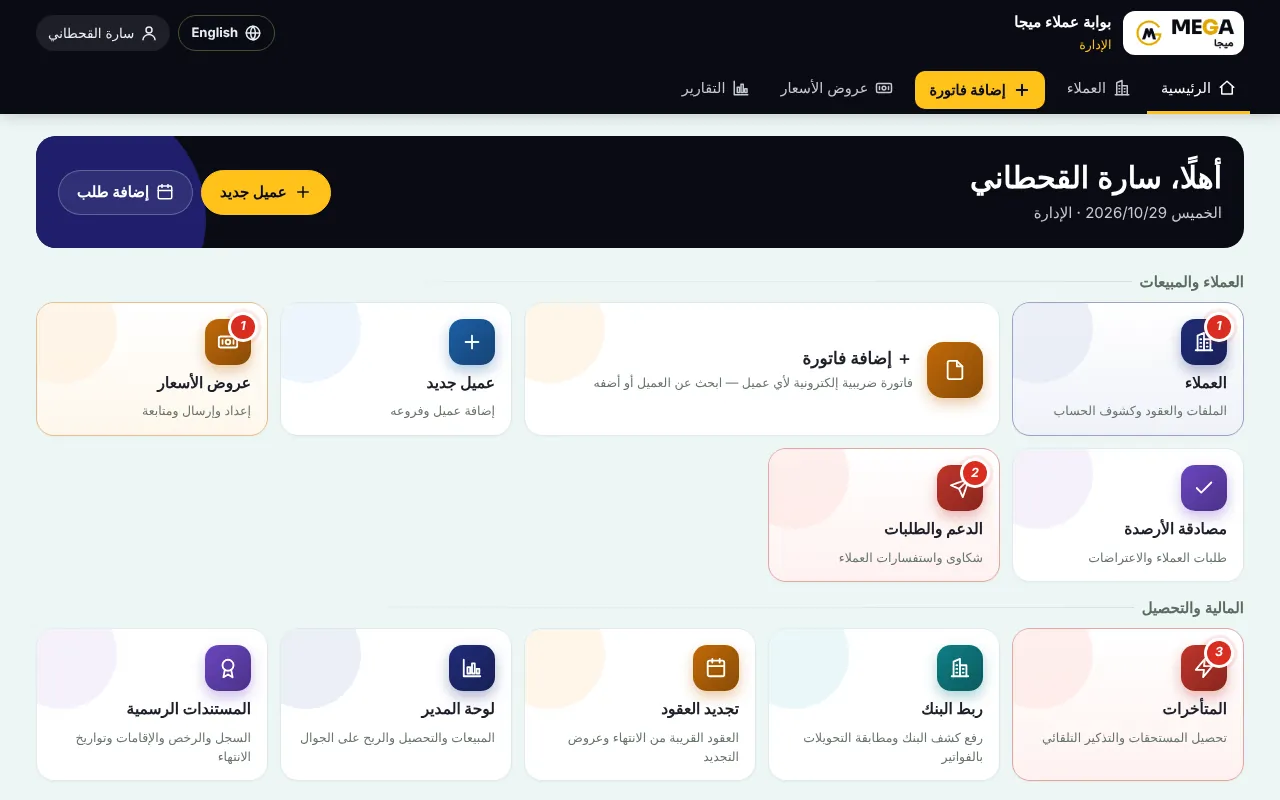
How the parts connect
- An invoice issued in the client portal appears in the client’s statement immediately and is posted to accounting automatically.
- Approved payroll runs and their payments in the staff portal post to accounting automatically.
- Supplier invoices and payments appear in accounting and in payables aging.
- The admin hub gathers the numbers of every portal on one screen: revenue, collection, payroll, purchasing and what needs your decision.
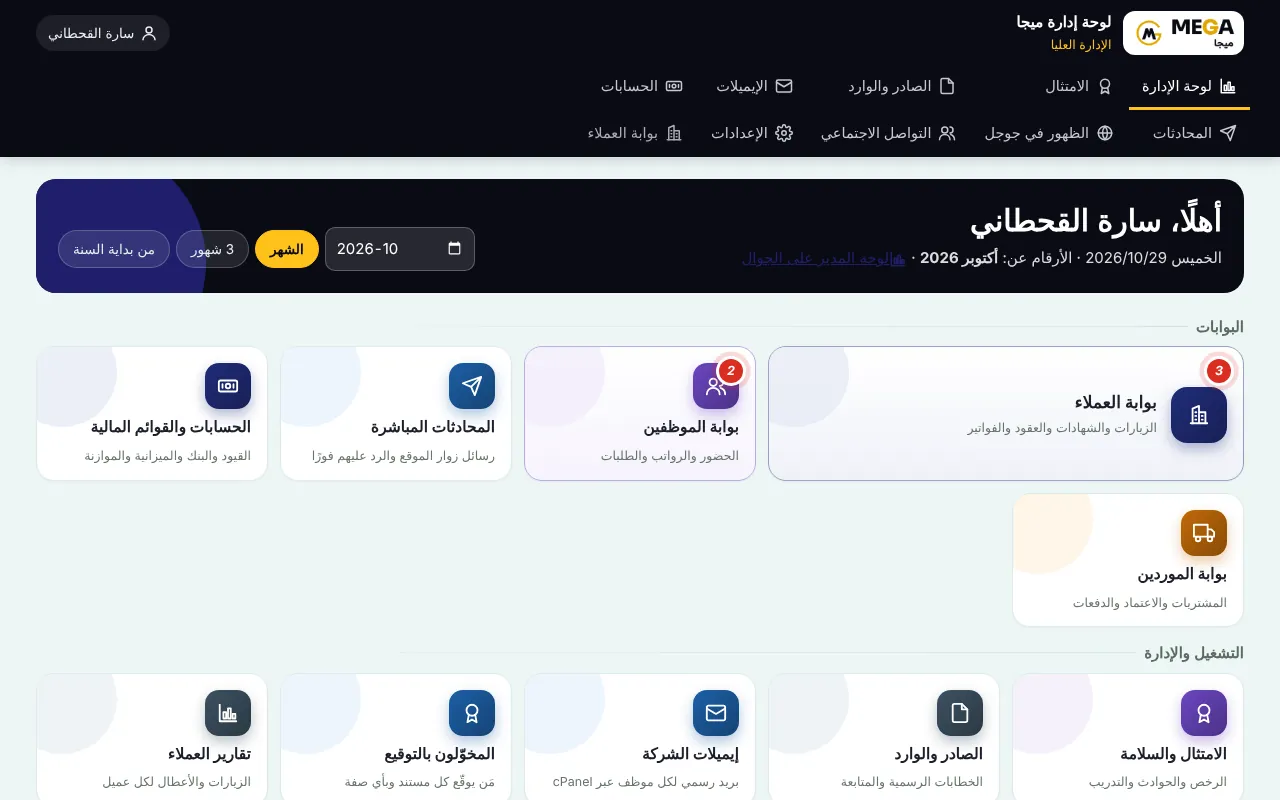
Roles: everyone sees only what is theirs
A client sees only their visits, invoices and statement; an employee sees their payslips and requests; a supplier sees their own purchase orders. Managers and accountants see what each role allows.
Note Client, supplier and employee self-service accounts are not counted as “system users” in your plan.
Where to start
Screenshots come from a demo copy with sample data.
Was this article helpful?
What could be better? (optional)
We only store vote counts — no personal data.