Installing MEGA Custody on your phone and Windows
A custody app that works offline, with data only on your device.
Installing MEGA Custody on your phone
Silent — on-screen captions in Arabic
MEGA Custody is a standalone app for anyone holding petty cash: received, spent and remaining, receipt photos, alerts, settlement PDF and Excel. Data stays on the user’s device only and is never uploaded.
Installing on a phone
Open the “MEGA Apps” page (
/mega-apps/) on the phone, or scan the app’s QR code with the camera.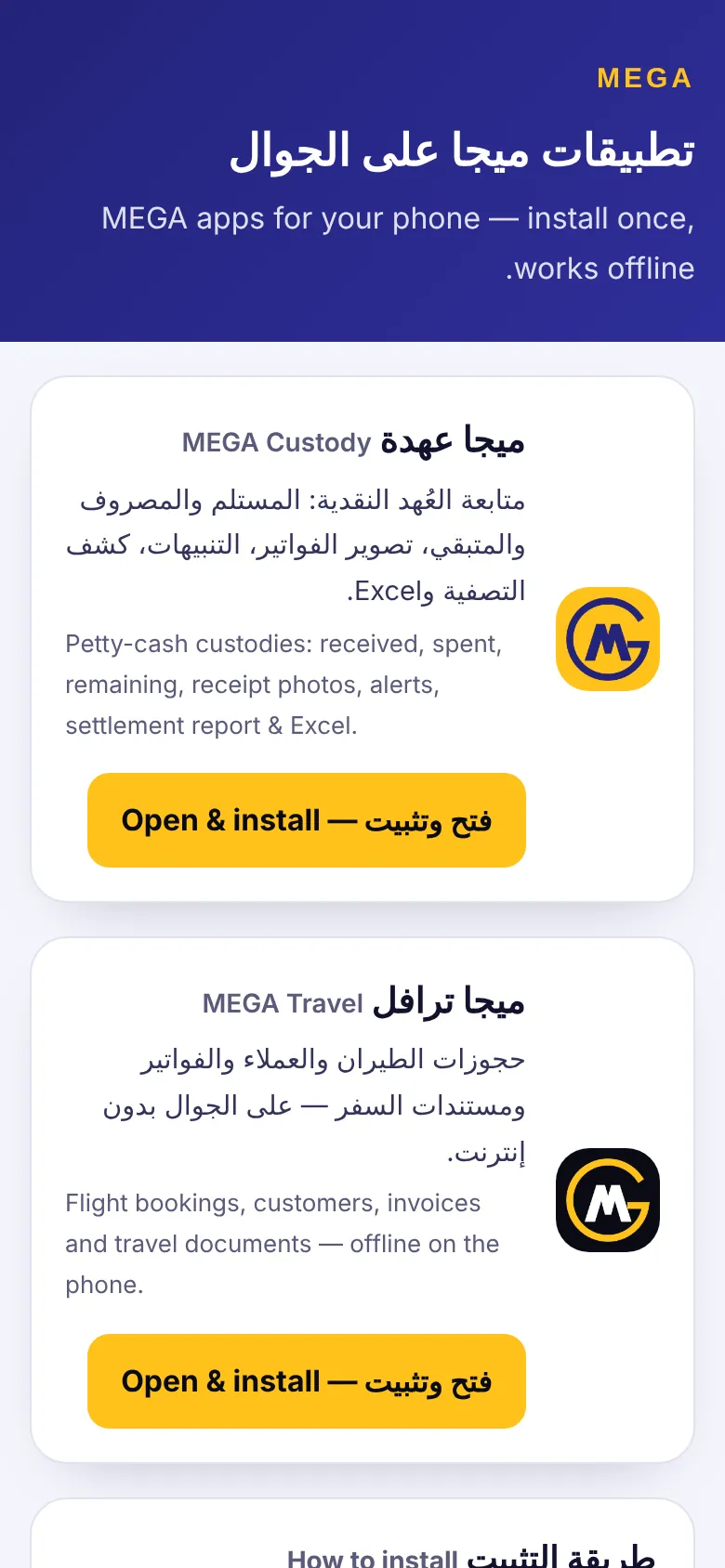
Press “Open & install” and open the app the first time while online.
iPhone (Safari): Share ⬆️ → “Add to Home Screen” → “Add”, then launch it from the icon.
Android (Chrome): “Install app” at the bottom, or menu ⋮ → “Install app”.
After the first launch it works offline.
First custody and first expense
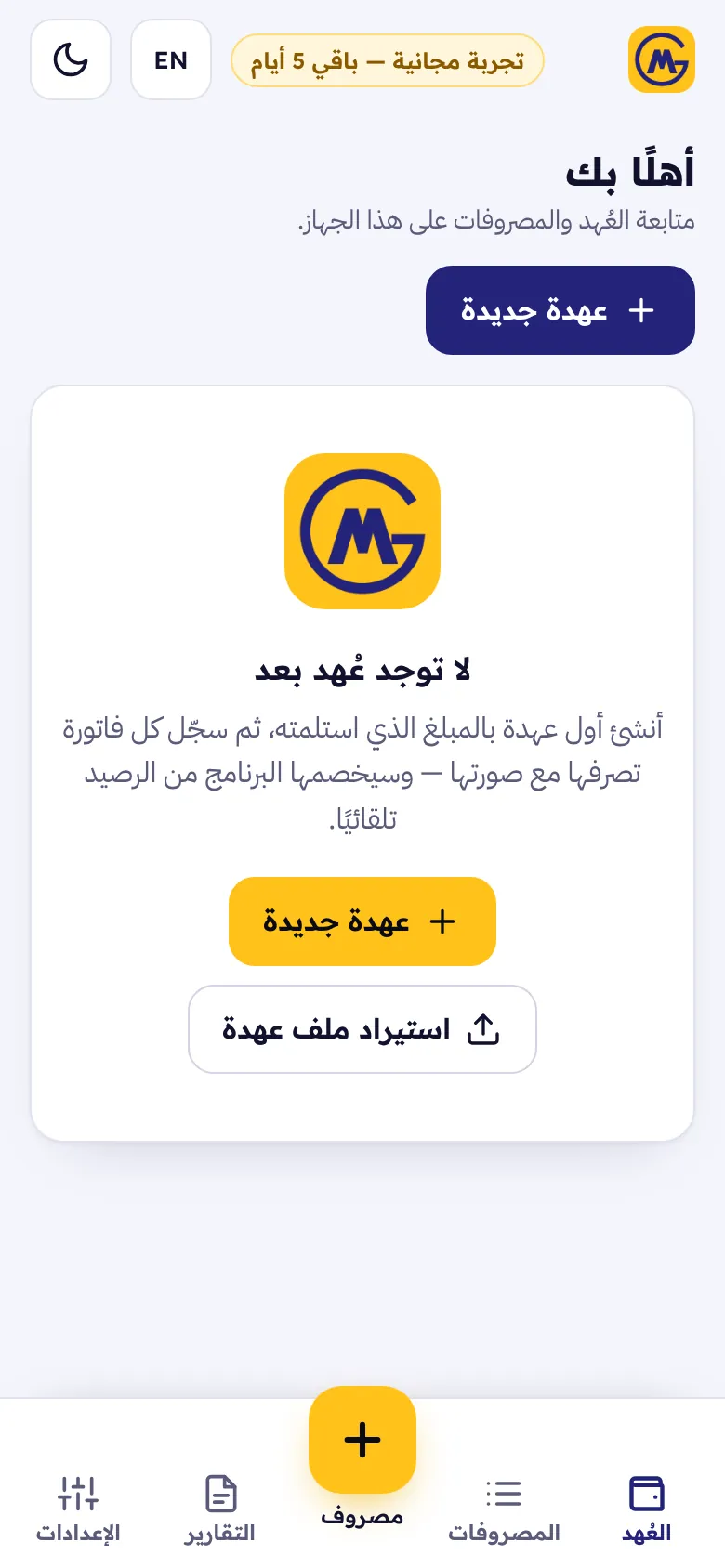
Press “New custody”: name, amount received, date, received from, purpose, custodian and currency, and alerts (at 25% or 10% remaining), then “Save”.
The yellow “+ Expense” button: “Photograph invoice” or “From photos / file”, amount including VAT (“Calc 15%” extracts the VAT), vendor, category and date, then “Save”.
“Settle custody” when done: the cash returned and the date; the app computes matched, shortage or excess.
“Reports”: settlement PDF and Excel, and “Send to accountant” prepares a .megacustody file with data and photos and opens the share sheet (WhatsApp / email).
Windows and licensing
- On Windows 10/11: download MEGA Custody from the downloads page; the accountant opens a received custody file with “Import custody file”.
- Each install starts with a 5-day free trial, then the activation screen shows the device code (MC-…) and a “Request serial via WhatsApp” button. One serial activates one device.
- The lock only blocks use and deletes nothing; “Save a copy of my data” works even before activation.
Screenshots come from a demo copy with sample data.
Was this article helpful?
What could be better? (optional)
We only store vote counts — no personal data.