Daily backup and restore
A copy every day automatically — and an immediate copy in one click before big work.
Open the “Add-ons center” → the “Daily backup” card (included and on).
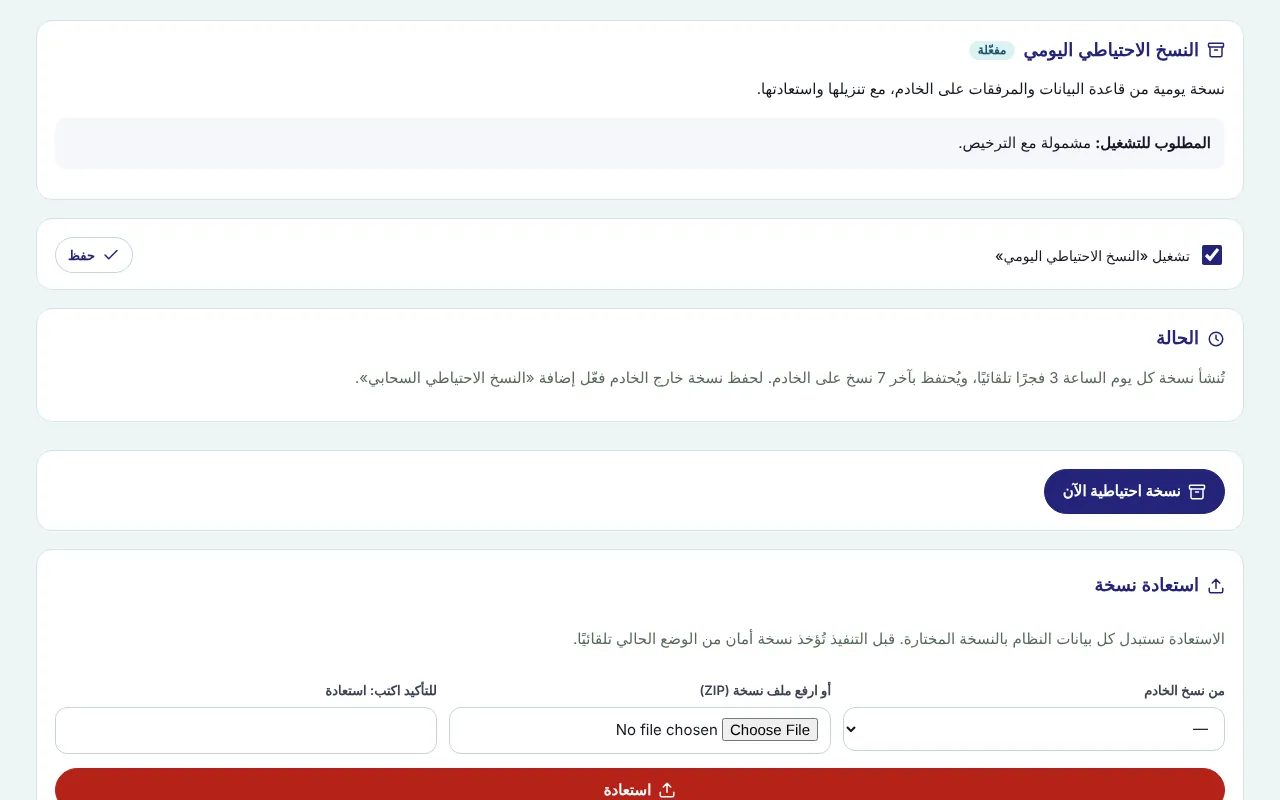
Review the “Status”: last backup, size, number of records and files, and the cloud upload result if enabled.
For an immediate copy before big work (an import or a year close) press “Back up now”.
Under “Copies saved on the server” press “Download” to keep a copy on your computer (the last 7 copies; older ones are deleted automatically).
To restore: under “Restore a backup” choose “From server copies” or “Upload a backup file (ZIP)”.
Tick the confirmation box, press “Restore” and accept. A safety copy of the current state is taken automatically first, then the data is replaced and a message shows how many tables were restored.
Screenshots come from a demo copy with sample data.
Was this article helpful?
What could be better? (optional)
We only store vote counts — no personal data.